Account Help for Z Route: Redemption
To delete your Z Route: Redemption data, email support@zrrglobal.com and ask to remove your personal information. The privacy policy promises a reply within 1 month. To keep your progress, bind the game account and sign in to the same bound account when you change device.
Link Your Account
Binding ties your progress to an account you can sign in to again. After you bind it, you sign in to that bound account on any Android phone, tablet or emulator, and the same base and heroes load. This is the way to move to a new phone or to play on PC.
The iPhone version needs more care. Check whether iOS and Android accounts are interoperable before you switch. Ask support before you move a main account between platforms.
| Task | What to do | Note |
|---|---|---|
| Link the game account | Bind it in the game, then sign in to the same bound account on any Android device or emulator | Progress follows the bound account |
| Delete personal data | Email support@zrrglobal.com and ask to delete your information | Reply within 1 month |
| Get a copy of your data | Email support@zrrglobal.com and ask for a copy | Reply within 1 month |
| Report a login problem | Write through User Center > Feedback in the game, or email support | Cause depends on the case |
| Move between iPhone and Android | Ask support first whether the two accounts are interoperable | Check with support first |
Delete Account and Data
The confirmed route is an email. Write to support@zrrglobal.com and ask to delete your information. The same address takes a request for a copy of the information the game holds about you. The policy sets one month for the reply.
That route covers personal information. The sources do not describe a delete button in the game, and they do not say that a request also removes a character from its server. If you only want a break, stop logging in instead. When you want a full removal, say so in your email and ask support to confirm what was deleted.
Account Video
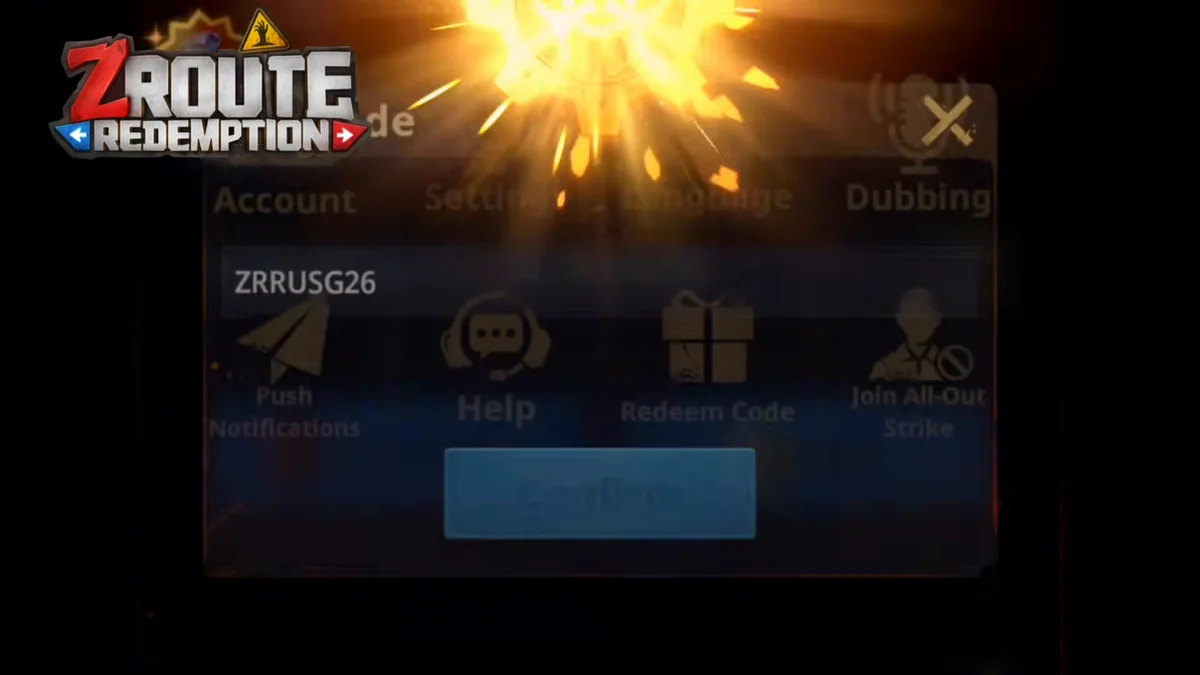
The video opens the Settings window, where the Account tile and the Redeem Code tile sit side by side.
Account Rules
The game rules treat an account as personal. You may not use another person's account, and you may not let anyone use yours. Keep your password to yourself, because the rules forbid passing it to a third party and entering another player's account without permission.
The rules also ban cheats, mods, bots and third-party tools, and they let the developer lock or delete an account for such use. Buying or selling accounts sits on the same banned list, so skip any offer of an account for sale. The same rules say the developer may cancel operations with items and currency together with the account, so anything you paid for in such a deal can disappear with it.
Login Problems
One player wrote that the game would not let them log in even after clearing the cache. That is a single report, not a verified fix, so treat it as a sign to contact support early instead of reinstalling blindly.
When several characters share one device, push notifications go to the character that logged in last, according to one update summary. If a server looks wrong after you sign in, the servers page explains how servers and their stages work.
Contact Support
Use User Center > Feedback in the game, or email support@zrrglobal.com. The second address, global.support@37games.com, appears on the Google Play listing. Write in English and name your device, your server and the exact message you saw. The official channels page lists every support route.
Frequently Asked Questions
How do I delete my Z Route Redemption account?
Email support@zrrglobal.com and ask to delete your personal information. The privacy policy promises a reply within 1 month. The sources describe this email route and no delete button in the game, so use it and keep the reply. The official channels page lists the second support address too.
How do I link my account?
Bind the game account inside the game, then sign in to that bound account on any other Android device or emulator, and your progress follows. If you plan to switch to or from an iPhone, ask support first, because accounts may not carry over between the two platforms.
Can I buy or sell a Z Route Redemption account?
No. The game rules list buying and selling accounts among banned actions, and the developer may lock, block or delete an account that breaks the rules. The rules also forbid giving your password to a third party, so a seller who asks for yours puts the account at risk.
I cannot log in. What should I do?
Clearing the cache did not help one player who reported this problem, so do not rely on it. Contact support through User Center > Feedback in the game or email support@zrrglobal.com, and describe the device and the account you used to bind. The FAQ covers connection errors.
Can I play on two accounts?
On a computer, separate emulator instances can run different game accounts. On one phone, push notifications go to the character that logged in last. Each account stays personal, so never let another player use yours. The PC page explains the emulator setup.